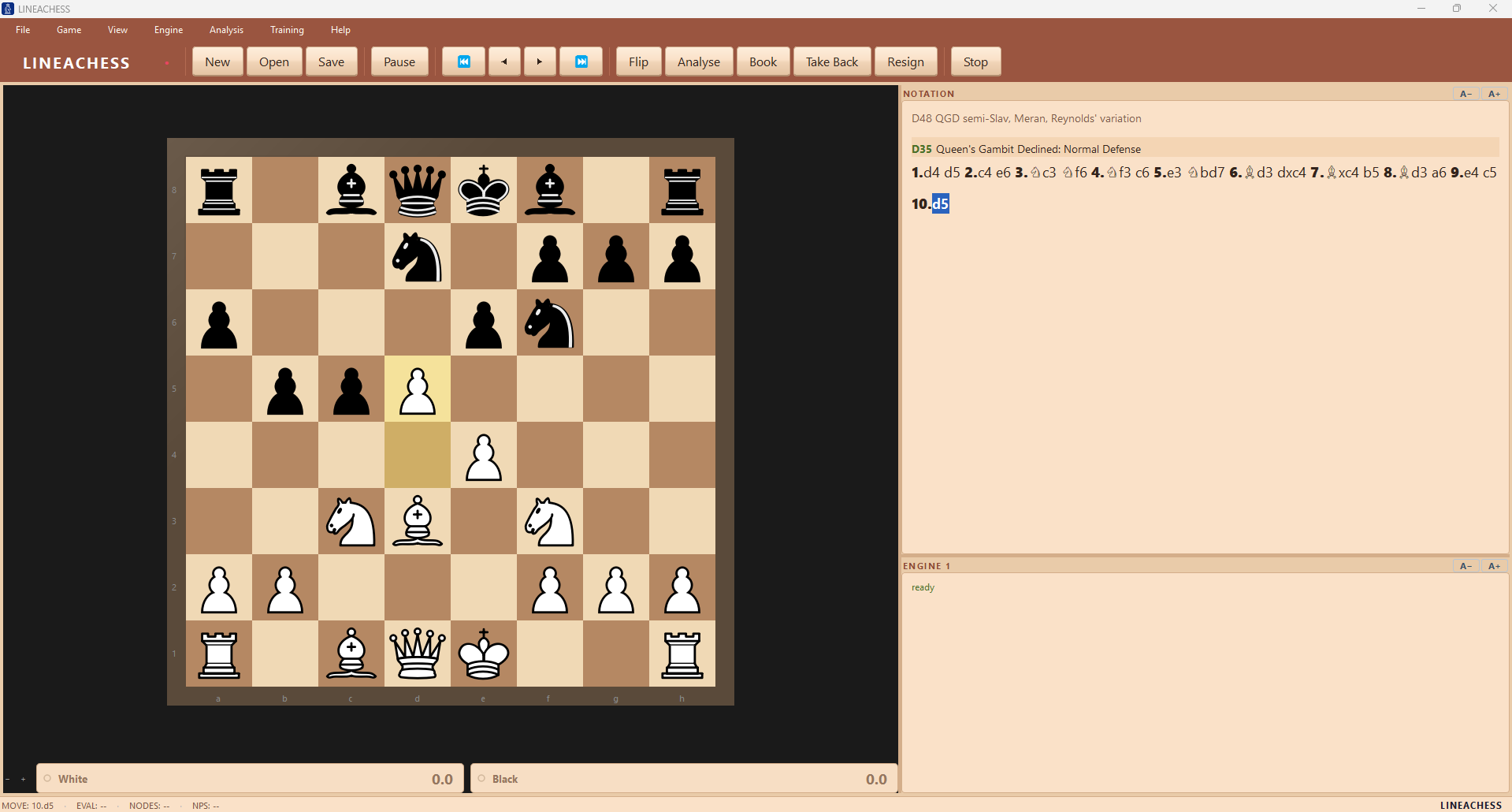
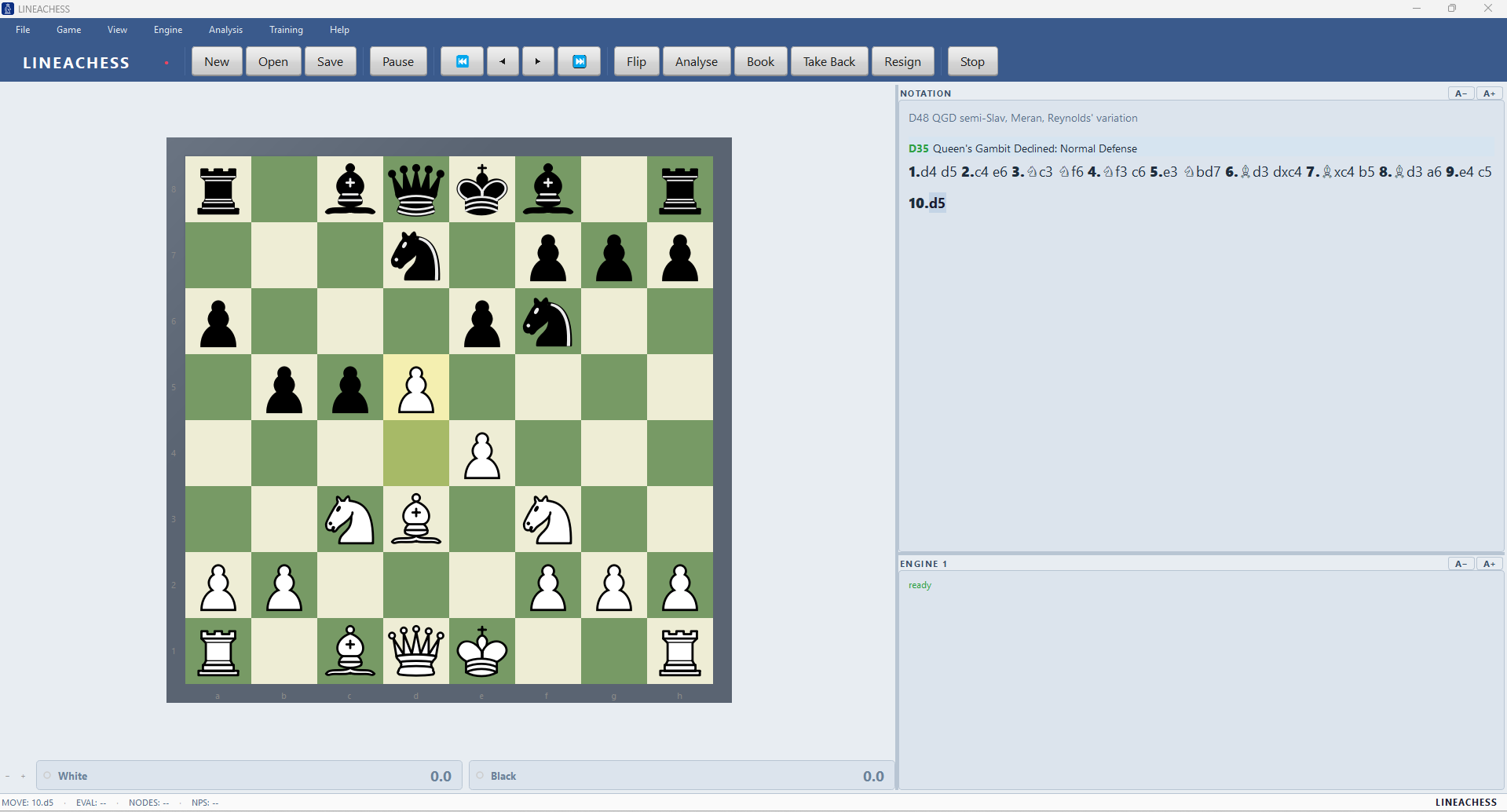
Chess software doesn’t have to be complicated
Modern chess players have an extraordinary number of tools available, but they are often scattered across websites, subscriptions, databases, training platforms and specialist chess programs.
LINEACHESS takes a different approach.
Install one Windows application and start playing.
You don’t need to configure an engine before your first game. You don’t need an online account to analyse it afterwards. You don’t need another service to practise tactics or study an opening.
And when you want to go deeper, the advanced tools are already there.
If you’re learning chess
Start a game against one of seven difficulty levels. Take moves back. Load a position. Practise an opening. Solve tactics. Analyse the game afterwards and see which phases you played well.
If you’re an experienced player
Run deeper analysis with MultiPV, investigate alternatives at every move, search your game database, analyse complete PGN collections and use Stockfish 17.1 or any UCI engine you prefer.
If you love computer chess
Load your favourite engines, configure them individually and let them play matches or complete round-robin tournaments. Compare engines, opening books, evaluation systems and playing styles.
LINEACHESS grows with you rather than forcing you into a particular way of playing chess.
Play chess, immediately
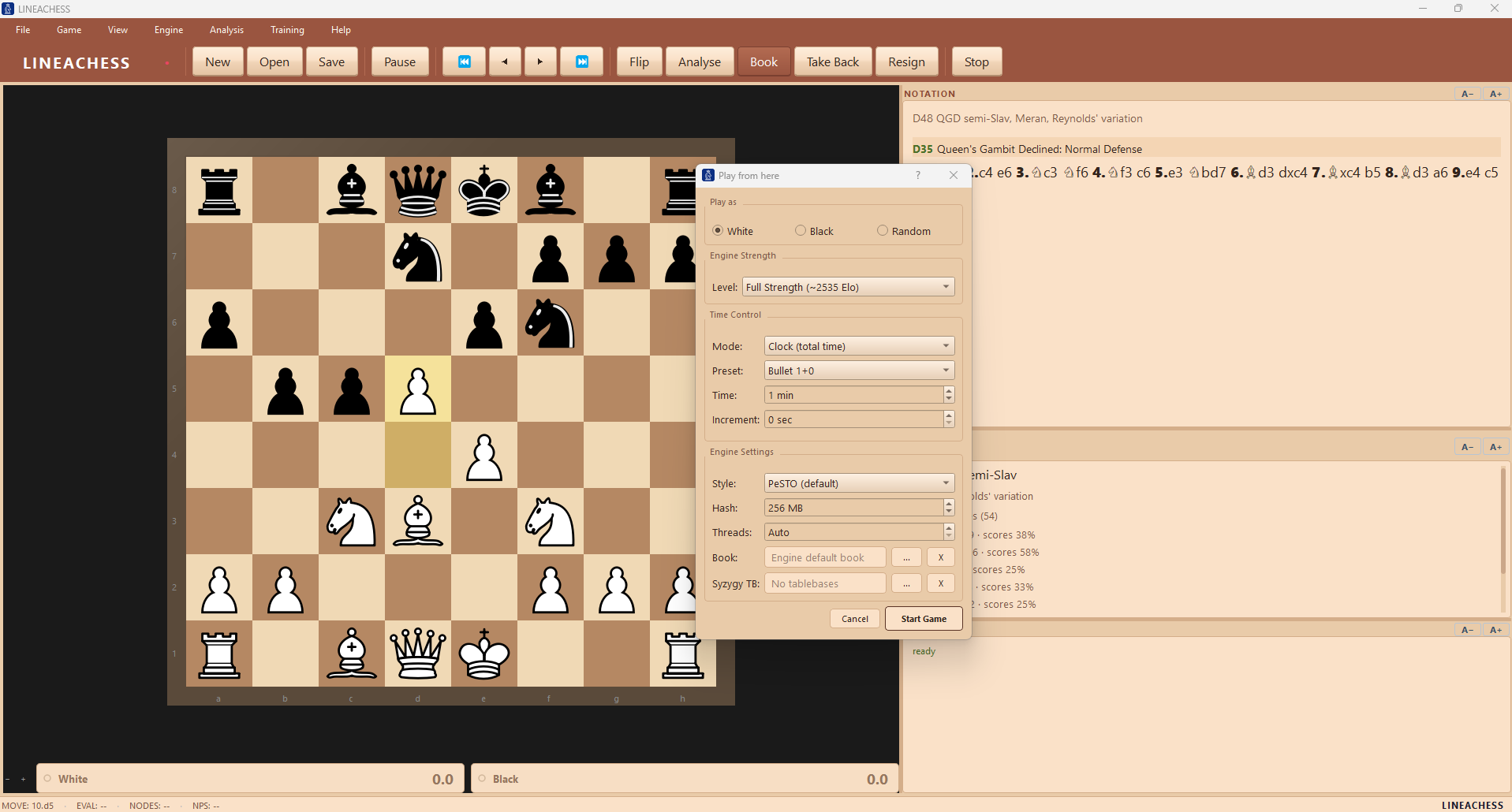
LINEACHESS includes its own chess engine, rated approximately 2535 Elo, with seven playing levels.
Choose a level and play.
You can use standard tournament time controls, Bullet and Blitz, fixed time per move or longer Classical games. Take back moves, pause games, start from a FEN position or experiment with different opening books.
For stronger analysis and play, Stockfish 17.1 is included as well. And LINEACHESS isn’t locked to its bundled engines: any UCI-compatible chess engine can be added.
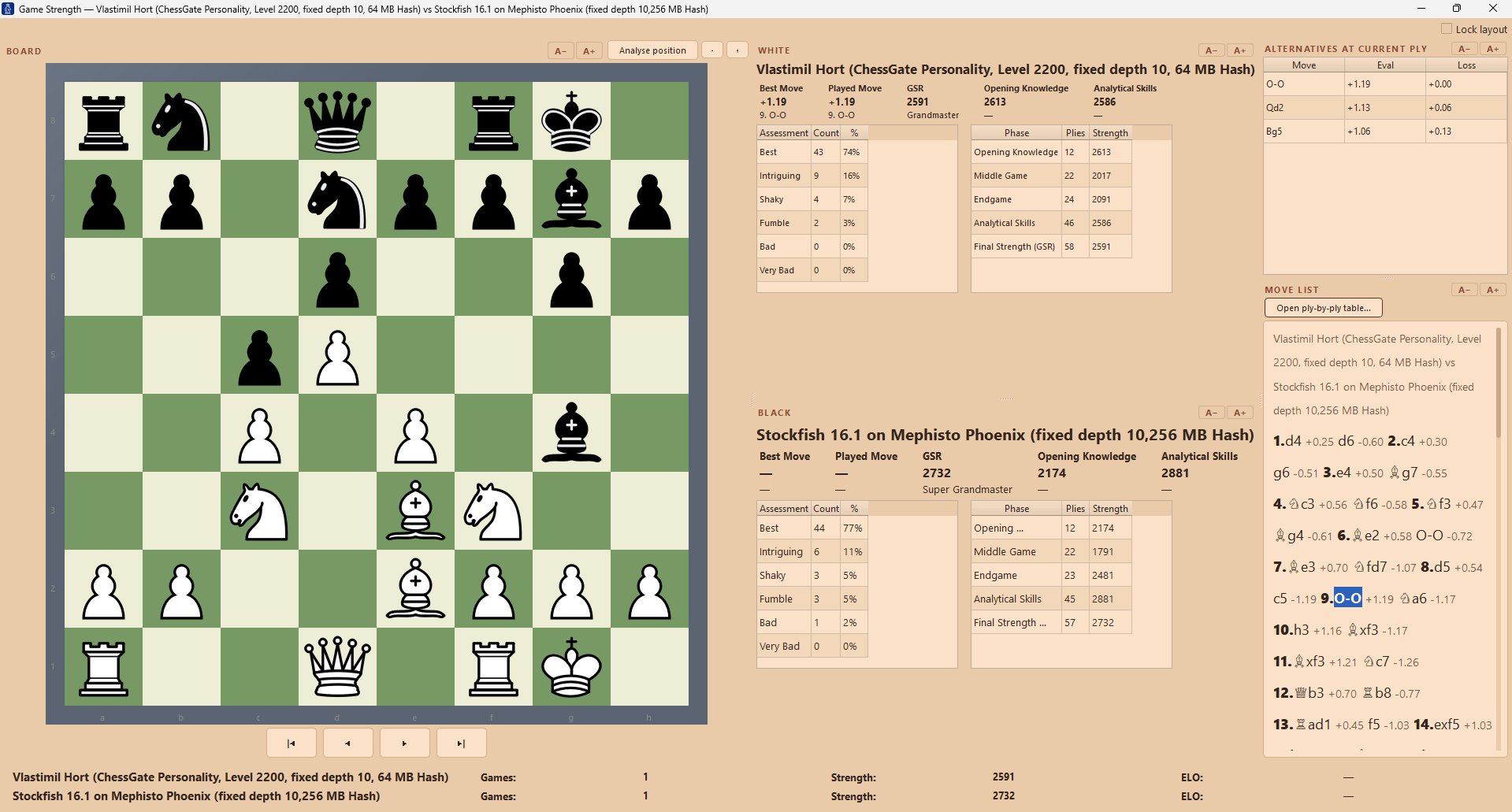
Don’t just analyse your games. Understand how you played.
A computer saying +1.37 doesn’t necessarily tell you whether you played a good game. LINEACHESS looks at the game from the player’s perspective.
Its Game Strength Rating evaluates your play move by move and separates your performance into:
- Opening Knowledge
- Middle Game
- Endgame
- Final Strength
Every move receives one of six assessments based on evaluation loss, from Best through to Very Bad. You can immediately see:
- where the game changed
- which moves cost you the most
- what stronger alternatives existed
- whether your opening, middlegame or endgame was strongest
- how your performance compares across different games
Instead of another engine number, you get a picture of how you actually played.
Measure a game. Measure a player. Measure an era.
The Game Strength Rating is not another engine number. It is the most precise strength analysis you can run on whole game collections — an analytical method developed over decades by Nick Milicev (SpaciousMind), the long-standing authority on chess-computer testing, and now part of LINEACHESS.
It began with one question: can the evolution of chess strength throughout history be measured objectively?
Every move measured
In Perfect mode the engine analyses every legal move at every position, so the quality of the move actually played is measured directly instead of inferred. Six assessment bands, per-phase ratings, one scale matched to FIDE tournament level.
Entire collections
Import thousands of games, queue them for bulk analysis and read a career in numbers: Opening Knowledge, Analytical Skills and Final Strength, aggregated per player across the whole collection.
Public proof
An encyclopedic, bilingual body of work on the Schachcomputer.info wiki applies this system to the complete surviving games of historical chess figures — from Al-Adli in the ninth century to the classical masters — with per-opponent ratings and career curves. Read the story and the published ratings.
Train where it matters
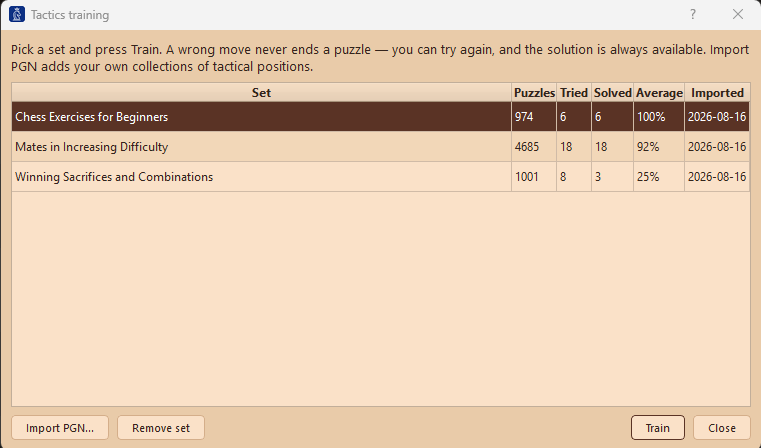
LINEACHESS includes a complete Training section.
6,660 tactical positions
Solve the bundled tactical collection directly on the board.
You score more for finding the solution quickly and accurately. Make a mistake and the puzzle doesn’t disappear: you lose points and keep trying until you understand it.
Choose a countdown, track your scores and continue where you stopped. You can even import your own PGN collections and turn them into additional training sets.
Learn openings by playing them
An opening explorer shouldn’t just tell you that a move exists.
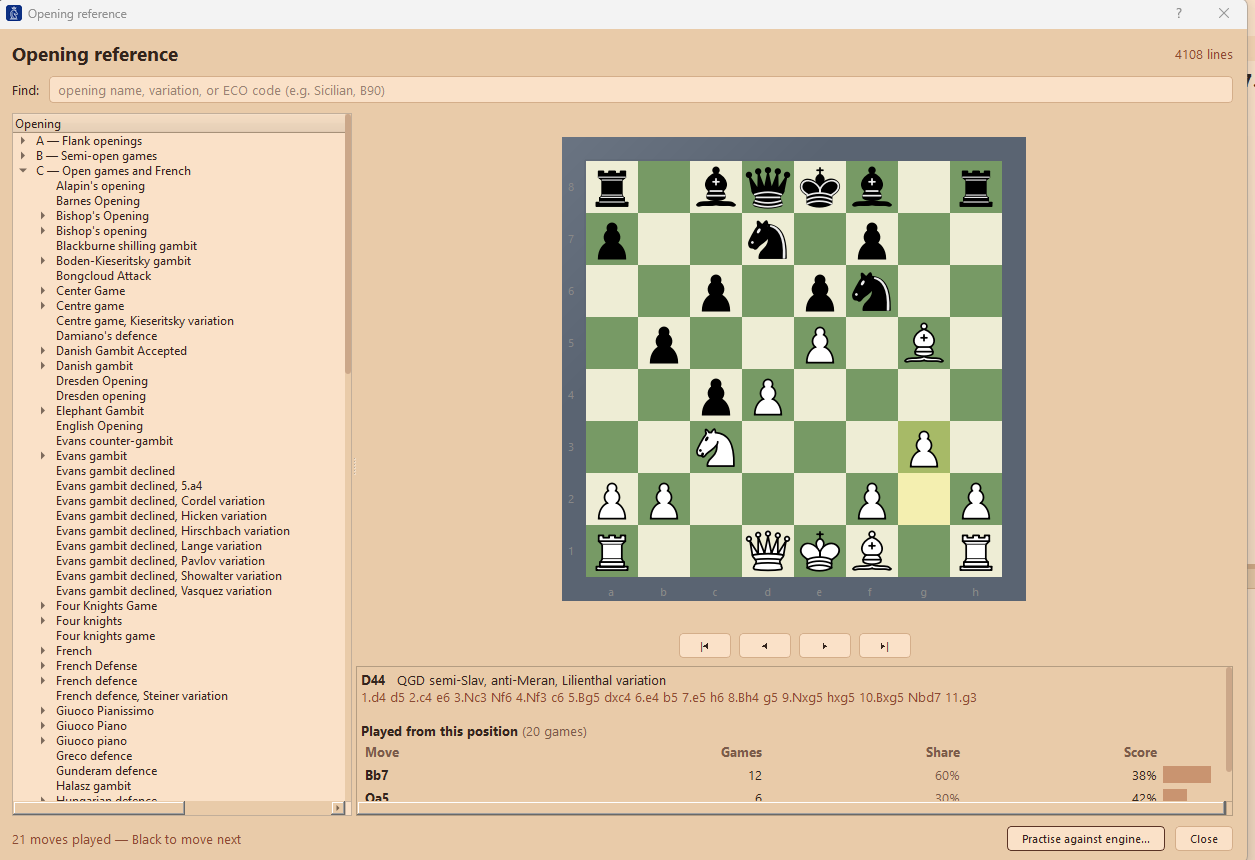
LINEACHESS includes 4,108 named opening lines covering all 500 ECO codes, backed by move statistics from 95,341 master games.
Explore the moves and their statistics, then press Practise. LINEACHESS sets up the line and lets you play it against the engine, from either side.
That turns an opening database into something you can actually learn from.
How strong are you?
LINEACHESS includes a different kind of chess rating test.
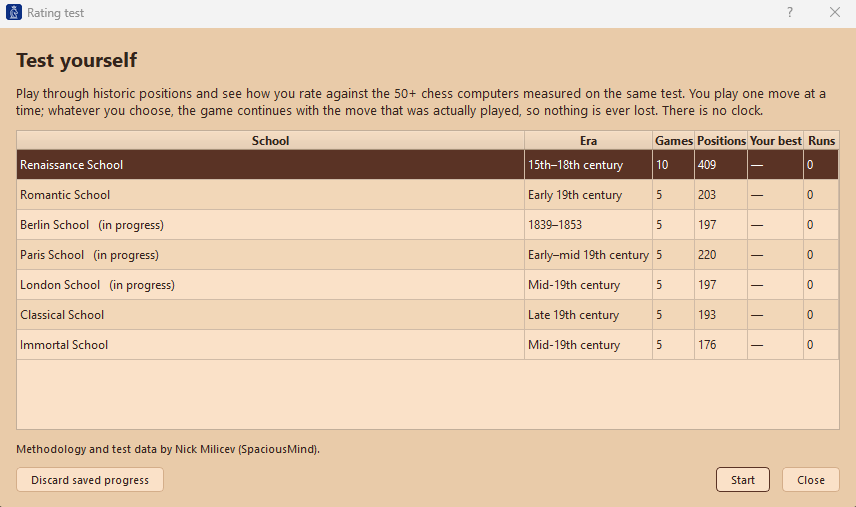
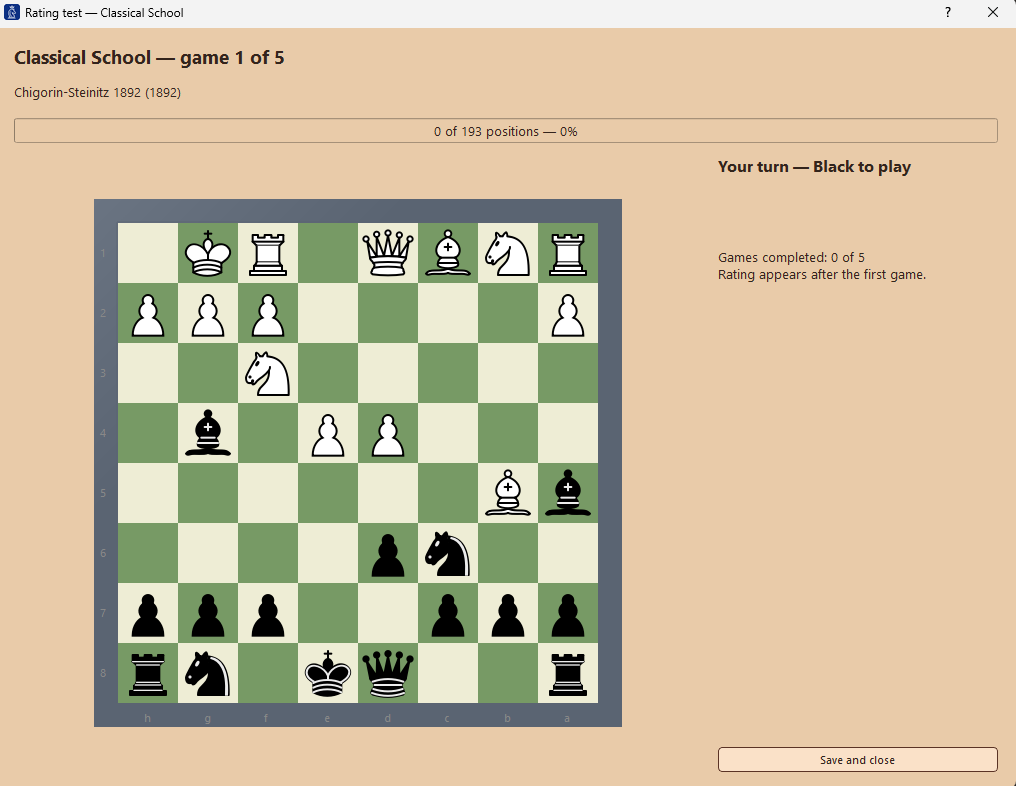
Play through 40 historic games and 1,595 scored positions and compare your decisions with more than 50 historic chess computers tested on exactly the same positions.
The machines are organised into generations of computer-chess development:
- Renaissance
- Romantic
- Berlin
- Paris
- London
- Classical
- Immortal
Instead of simply receiving a number, you can discover where your chess sits in the history of computer chess.
Rating-test methodology and test data by Nick Milicev (SpaciousMind).
Build your own chess library
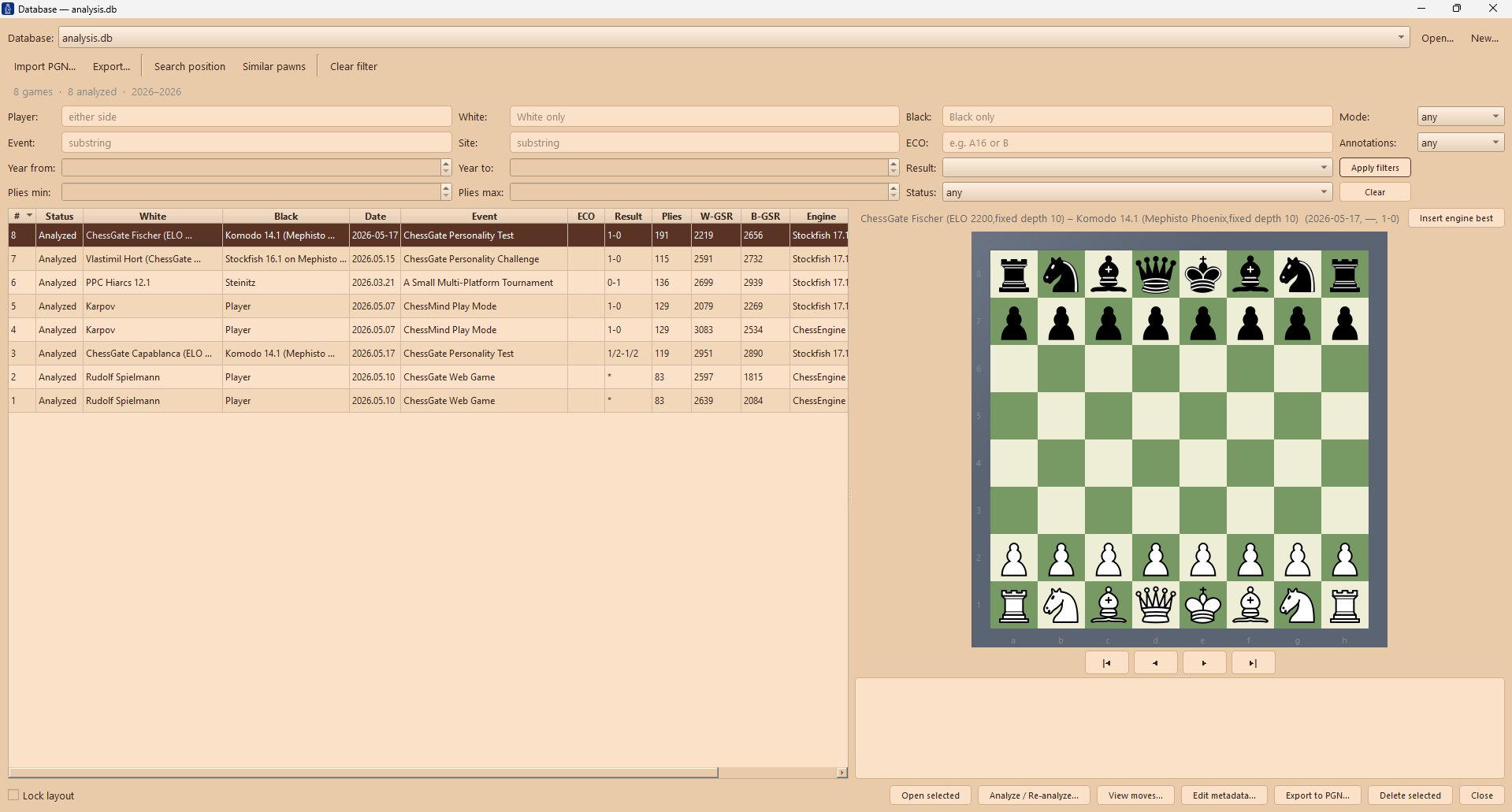
Games analysed in LINEACHESS can be stored in its local SQLite database.
Import PGN collections, search positions, filter games and players, examine statistics and return to interesting positions later.
Game Strength Ratings become part of that database, so you can do more than collect games: you can compare them.
Everything remains local on your computer.
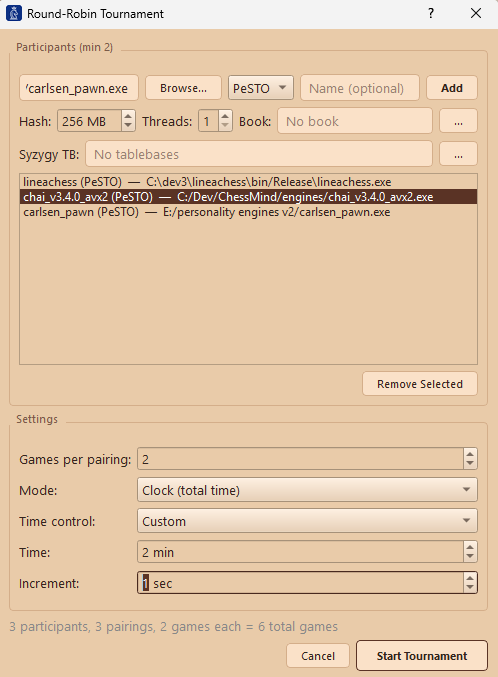
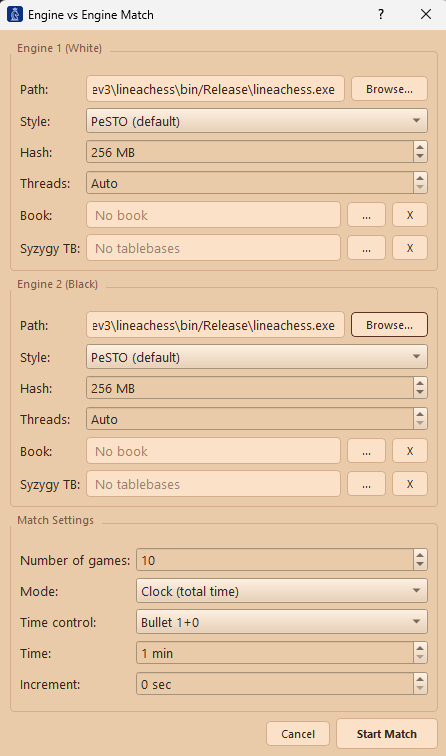
A computer-chess laboratory
LINEACHESS isn’t only a playing and training program. It’s also built for people who enjoy chess engines themselves. Run:
- engine-vs-engine matches
- round-robin tournaments
- different engines with different settings
- individual Polyglot opening books
- Syzygy tablebases
- configurable Hash and Threads
- custom UCI engines
Use the built-in tournament tools to create your own computer-chess experiments without needing a separate tournament manager.
Two ways of looking at a chess position
Most engines use conventional piece-square evaluation. LINEACHESS also includes something unusual: the Linear Tables.
Playing patterns were extracted from 37,000 games by all 16 undisputed World Chess Champions and transformed into engine evaluation weights.
- Steinitz
- Lasker
- Capablanca
- Alekhine
- Euwe
- Botvinnik
- Smyslov
- Tal
- Petrosian
- Spassky
- Fischer
- Karpov
- Kasparov
- Kramnik
- Anand
- Carlsen
Switch between conventional PeSTO evaluation and Linear evaluation.
The result isn’t simply another strength setting. The Linear engine tends toward more active, aggressive piece play, giving you another kind of opponent to explore.